
en-us_start
ILOGICS Product Documentation
Find instructions for selecting, installing, wiring, programming, and configuring communication for ILOGICS products. Browse industrial Arduino MPINO/MPAINO controllers, MPS/MPA ladder-logic PLCs, MNET communication slave I/O, and ILOGICS built-in functions by product family.
Manuals by Product Family
Choose a product family by control method and I/O requirements, then check each model's power, terminals, and wiring in that family's documentation.
PLC
Programmed in ladder logic with MP STUDIO.
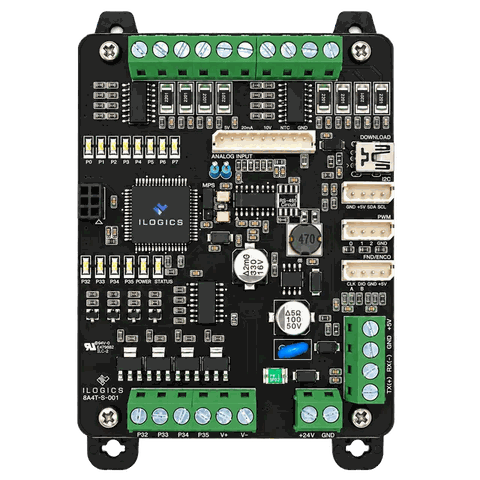
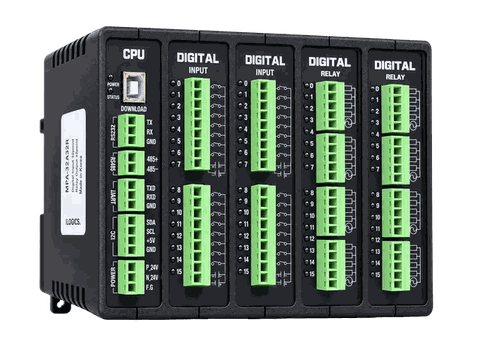
Programs
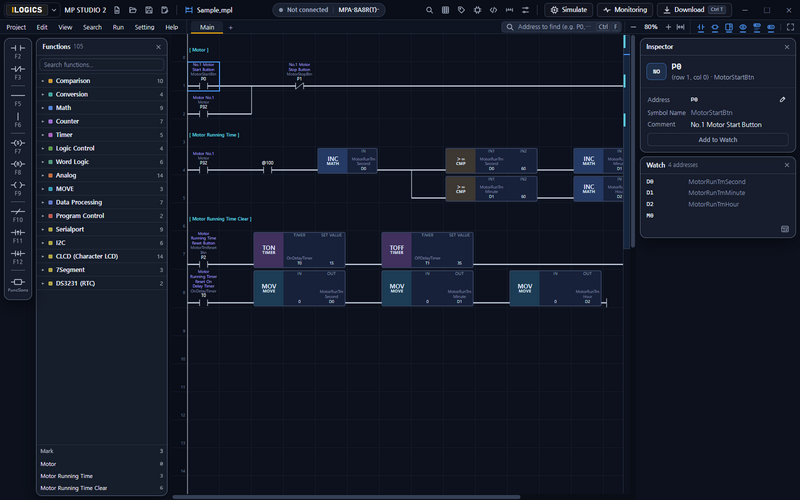 MP STUDIO 2
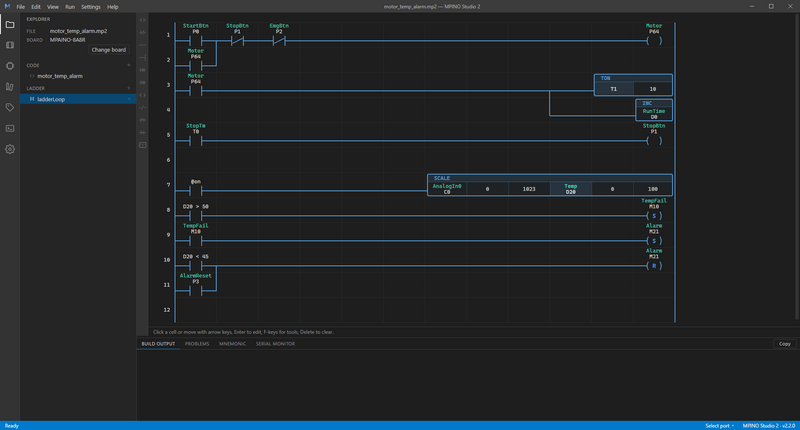
A Windows application for writing MPS and MPA programs in ladder logic, checking them, downloading them to the device, and monitoring them.
Industrial Arduino
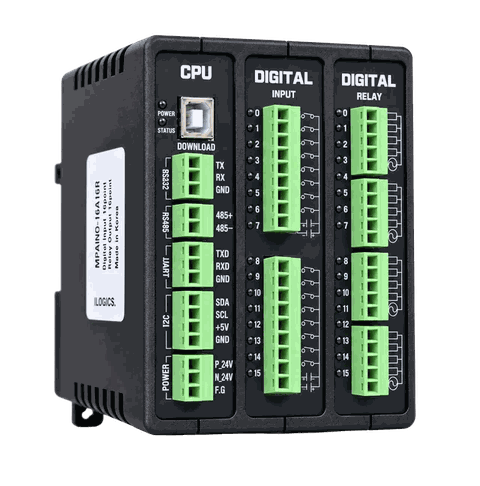
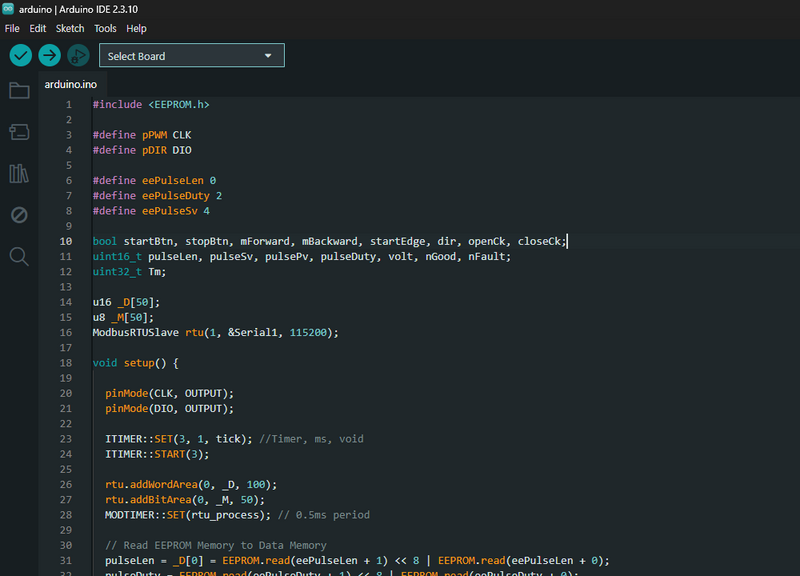
Programmed with Arduino IDE or MPINO STUDIO 2 (Arduino C/C++ and ladder logic).
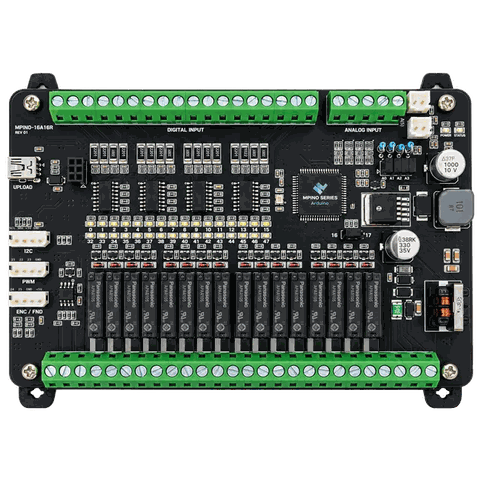
Programs
HMI Manuals
- MPView Coming soon
ILOGICS HMI software for PCs and mobile devices. Works with MPS, MPA, MPINO, and MPAINO. - HMI Connection
Connect an HMI to an ILOGICS industrial Arduino to monitor the machine on screen and control it from the panel.
Communication I/O Control
MNET

4 models
Control I/O through the Modbus RTU or LS Industrial Systems Cnet protocol.
The CPU module includes DIP switches for setting the baud rate and slave address.
- MNET-8A8R 8 digital inputs · 8 relay outputs
- MNET-8A8T 8 digital inputs · 8 transistor outputs
- MNET-16A16R 16 digital inputs · 16 relay outputs
- MNET-32A32R 32 digital inputs · 32 relay outputs
Documentation Links
en-us_start.txt · Last modified: by 127.0.0.1