
This is an old revision of the document!
Table of Contents
MPINO STUDIO 2 User Manual
MPINO Studio 2 is a desktop application for writing Arduino C code and ladder logic, building and uploading projects, and monitoring ILOGICS MPINO and MPAINO industrial Arduino controllers.
Download the installer Create your first project

Installation
MPINO Studio 2 is currently provided as a beta. Check the download page below for the latest release status and changes before installing it.

- Open the MPINO STUDIO 2 installer download page.
- Download and run the latest installer listed on the page.
- If Windows displays an Unknown publisher warning, select More info → Run anyway.
- Allow installation when Windows requests administrator permission.
- Complete the installation and start MPINO Studio 2.
MPINO STUDIO 1.x project files cannot be opened in MPINO Studio 2. Create a new project and re-enter the previous ladder logic and code after checking them.
Video Overview
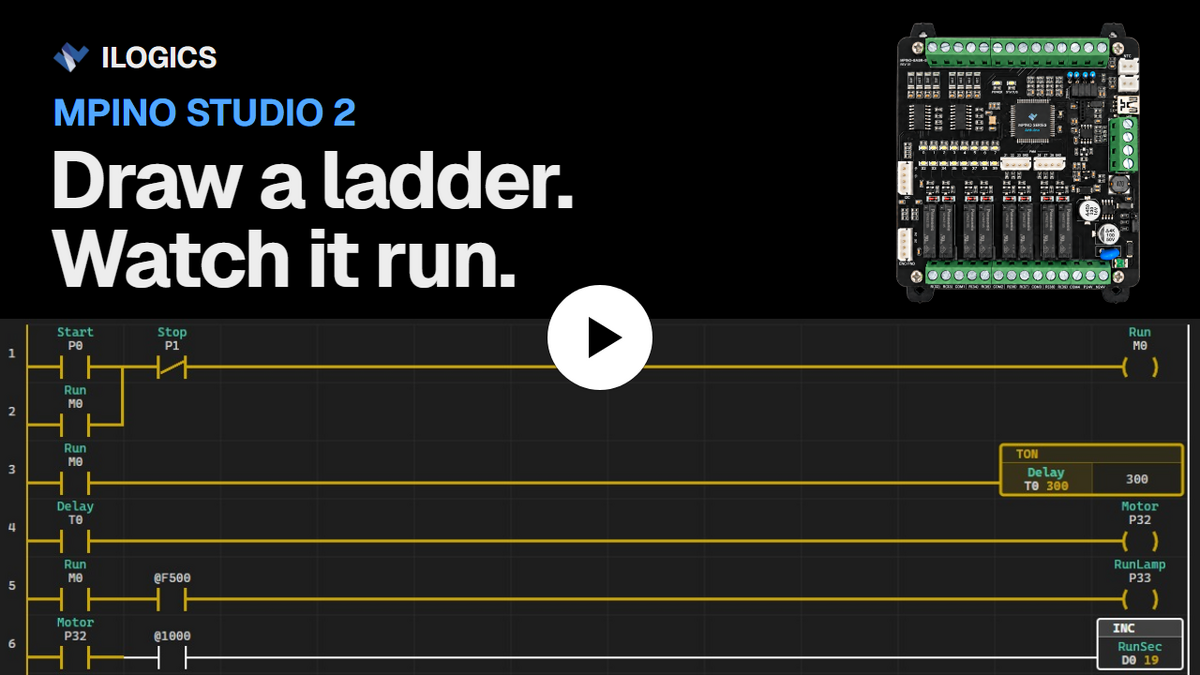
In this one-minute video, a start/stop circuit with a 3-second start delay is drawn as a ladder, built, uploaded over USB, and monitored live on an MPINO-8A8R(T)-S. The build and upload are shown faster than real time.
Start Here
 Phase 1 · Create Your First Project
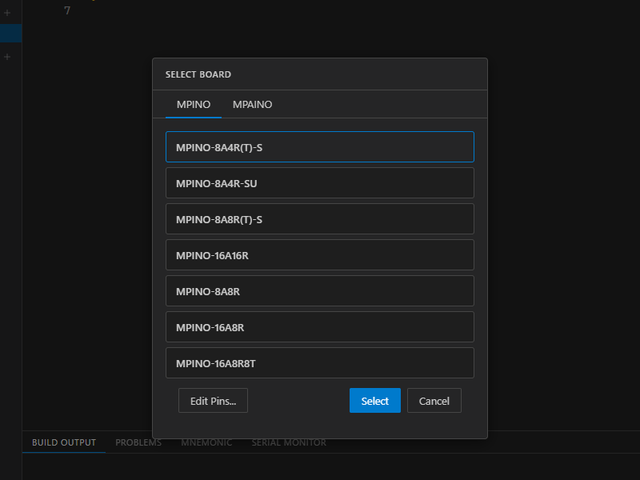
Create a project, select MPINO-8A4R(T)-S, and draw a ladder circuit in which inputP0controls outputP32. You will then build the project, select a port, upload it, and check operation with the Serial Monitor and real-time ladder monitoring.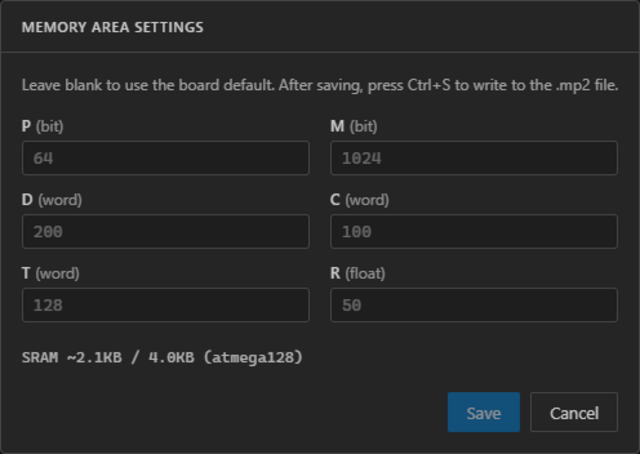 Phase 2 · Understand Memory
Learn the differences between P, M, D, C, T, and R memory, data types, and address notation. Review memory-region settings, locate memory usage, and understand special-bit memory.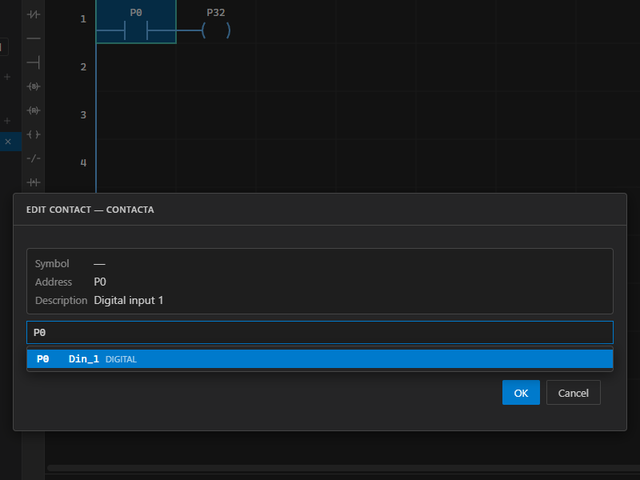 Phase 3 · Ladder Editing Basics
Learn cell selection, memory writing, structural editing, NO and NC contacts, output coils, series and parallel connections, SET and RESET coils, edges, and a self-holding circuit.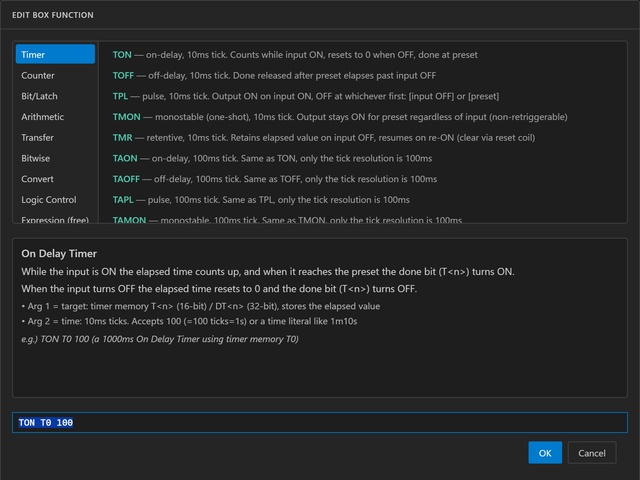 Phase 4 · Box Functions
Learn how to enter and edit box functions and when they run, then use timers, counters, arithmetic, transfers, bit operations, conversions, logic control, and free-form input.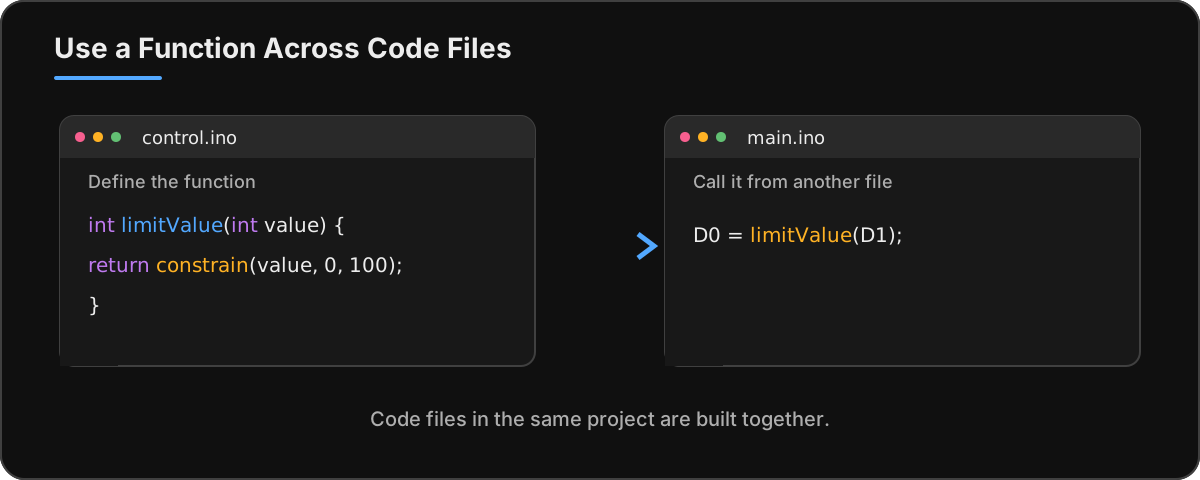 Phase 5 · Editing Arduino Code
Create and manage code files, use functions across files, work with completion and definitions, find and replace text, and locate code errors.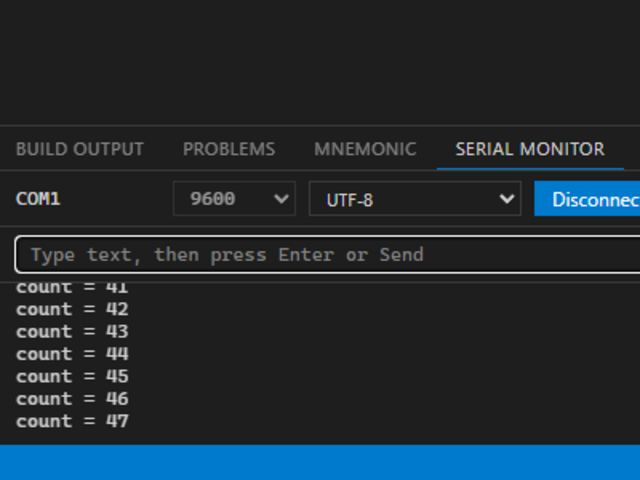 Phase 6 · Serial and Ladder Monitoring
Receive and send text or HEX data, configure ladder monitoring, read power flow and live values, select number formats, and understand port sharing.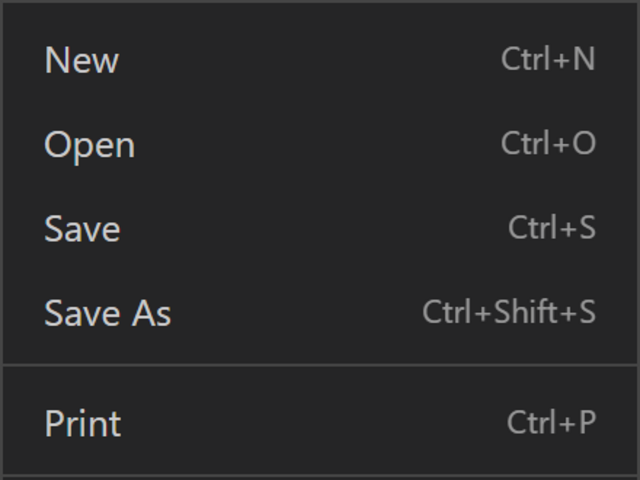 Phase 7 · Menus and Preferences
Open, save, and print projects; configure preferences and communications; write memory; change boards and pin maps; configure EEPROM retention; and use the Help menu.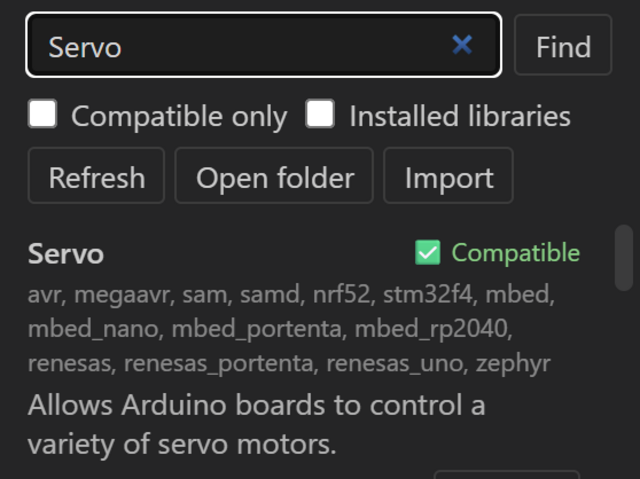 Phase 8 · Activity Bar and Side Panels
Open Explorer, Ladder Settings, Libraries, and Symbols; check the project and board; install or import libraries; and manage symbols.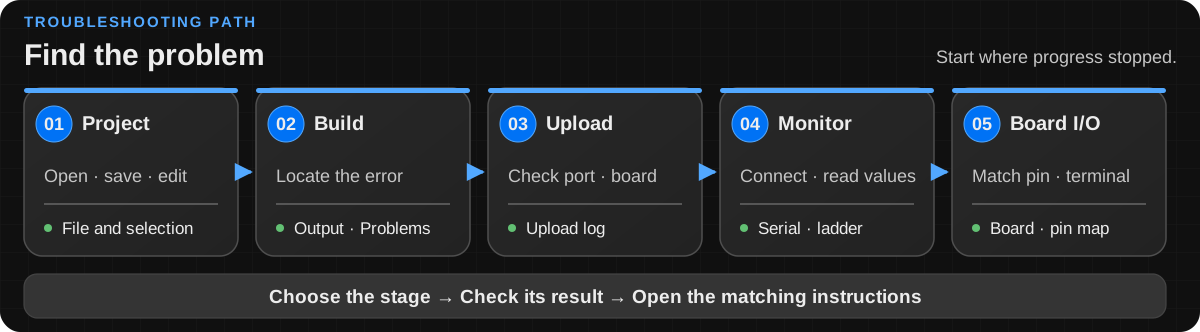 Phase 9 · Troubleshooting
Find the first place to check and the detailed instructions when a build, upload, monitor connection, or I/O result fails.